Sorting through panoramic cameras is easier when you start with how people will view the result. Pick a compact dual-lens model for quick sharing, and a multi-lens rig or stitched stills when detail matters most.
| Item | Value |
|---|---|
| Coverage of a full 360 camera | 360 degrees horizontally and 180 degrees vertically |
| Typical consumer lens pair | Two back-to-back fisheye lenses, often around 190-200 degrees each |
| Flat map of the sphere | 2:1 equirectangular video |
| GoPro MAX2 top 360 video mode | 8K 30p |
| Insta360 Pro 2 lens count | Six lenses |
| Natural lens height for headset viewing | About 1.5-1.7 m |
These figures come from Webiano’s 360 camera knowledge base and Videomaker’s buyer’s guide. Specifications and product lines can change, so check the sources before you rely on them.
What panoramic cameras capture
A 360 camera is the best-known kind of panoramic camera. It records the whole scene around it, 360 degrees horizontally and 180 degrees vertically, by joining pictures from two or more ultra-wide lenses into one spherical frame, as Webiano explains.
Footage is typically saved as equirectangular video, a 2:1 flat map of the sphere. Players wrap that map back onto a virtual sphere so you can look around on a screen, a phone or a headset, according to Webiano.
The word panoramic also stretches beyond 360 cameras. The same Webiano page frames a 360 camera as one of several ways to record wide or immersive imagery, each trading field of view, image quality and workflow complexity differently.
A single recording can also be delivered in different forms, which Webiano names as a main reason these cameras are popular:
- Monoscopic video that viewers pan around on the web.
- Stereoscopic video with depth, aimed at headsets.
- Reframed flat video, where an editor picks the view.
- Tiny-planet and other stylized remaps of the sphere.
- Still spherical panoramas for tours and mapping.
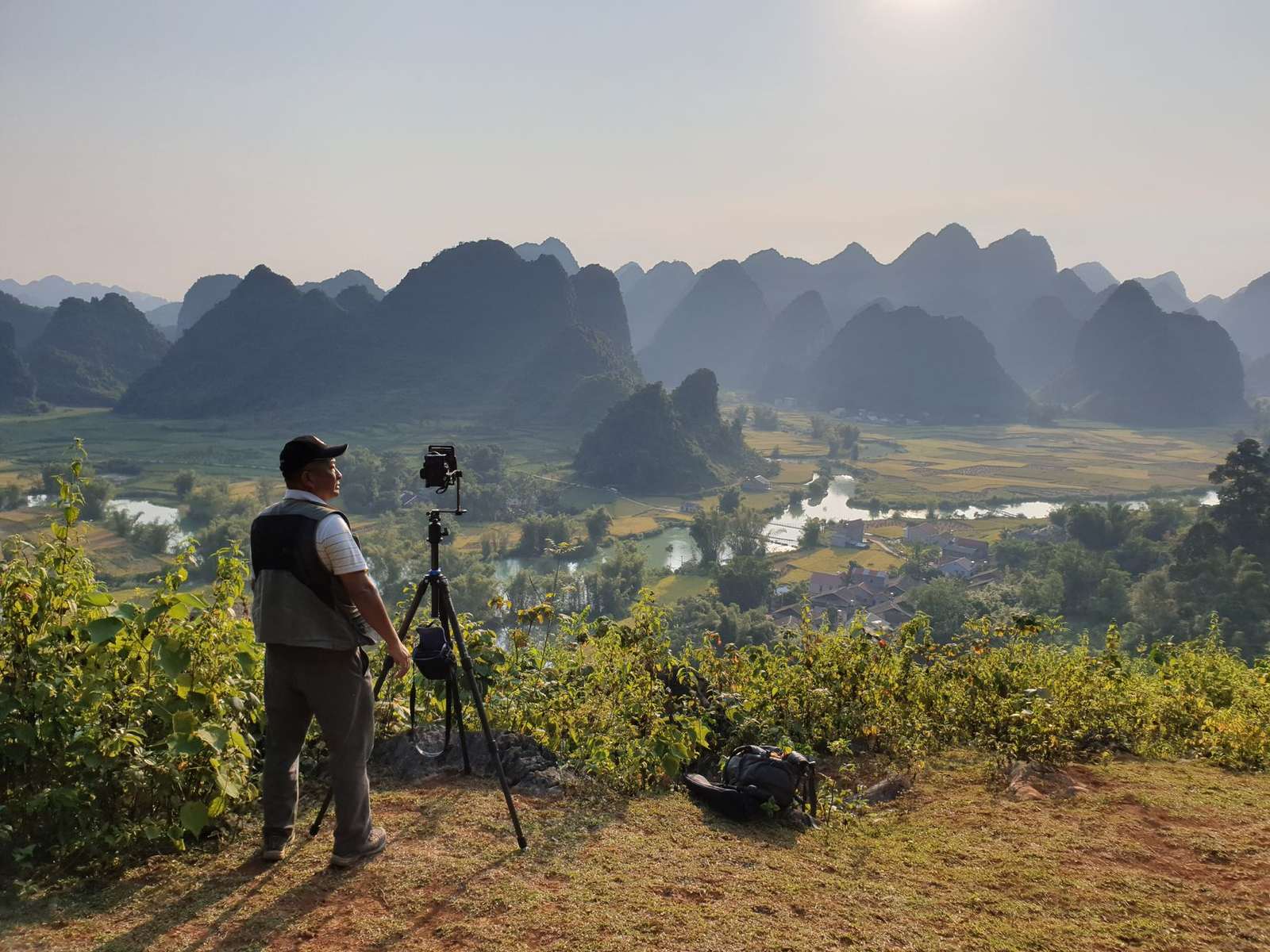
The main types of panoramic cameras
Three families cover the field that Webiano describes, and the guide to types of 360 cameras goes deeper on each one.
- Dual-lens cameras: most consumer models use two back-to-back fisheye lenses that each cover slightly more than a hemisphere, often around 190-200 degrees, in a compact body that often resembles an action camera (Webiano).
- Multi-lens rigs: professional rigs combine many synchronized sensors. Videomaker lists the Insta360 Pro 2 as an example, with six lenses that shoot 8K 360-degree 3D video and 12K photos.
- Stitched stills: a series of photographs merged into one panorama suits scenes that hold still and can reach very high resolution, though capture is slow (Webiano).
| Approach | Coverage | Strength | Limitation |
|---|---|---|---|
| 360 camera | Full sphere in one capture | Simple, framing chosen later | Lower detail per view, stitch seams |
| Panorama stitching from stills | Any coverage, often full sphere | Very high resolution | Static scenes only, slow capture |
| Multi-camera VR rig | Full sphere, often stereoscopic | Highest quality and depth | Costly, complex stitching |
The rows follow the comparison in Webiano’s 360 camera knowledge base, so check that page for any updates.
The trade between simplicity and image quality that Webiano describes is weighed side by side in the comparison of dual lens vs multi camera 360 designs.
Specialist designs get their own guides. Consumer cameras in general are covered by Webiano, while the throwable 360 camera format is explained separately.
How stitching and resolution shape image quality
Every spherical picture depends on stitching, the way a camera merges two 180-degree views into one, as Insta360’s community guide puts it. The overlap between the two lenses gives software matching detail to align and blend along a seam that runs around the camera body, per Webiano.
Software choice matters too. Videomaker notes that a growing number of smaller dual-lens cameras stitch internally, yet stitching on a desktop will almost always give better results. For the underlying process, see the explainer on how do 360 cameras work in the form of how do 360 cameras work.
Headline resolution misleads easily. A 5.7K or 8K spherical file spreads its pixels over the whole sphere, and a headset view of roughly 90-100 degrees uses only about a quarter of the horizontal width, according to Webiano. The explainer on 360 camera resolution unpacks what that means for sharpness.
For scale, Videomaker lists the GoPro MAX2 with 8K 30p 360 video, 5.6K 60p and 4K 100p 360 modes, plus 29 MP 360 photos, and calls it GoPro’s first true 8K 360 camera. These are neutral examples, not recommendations.
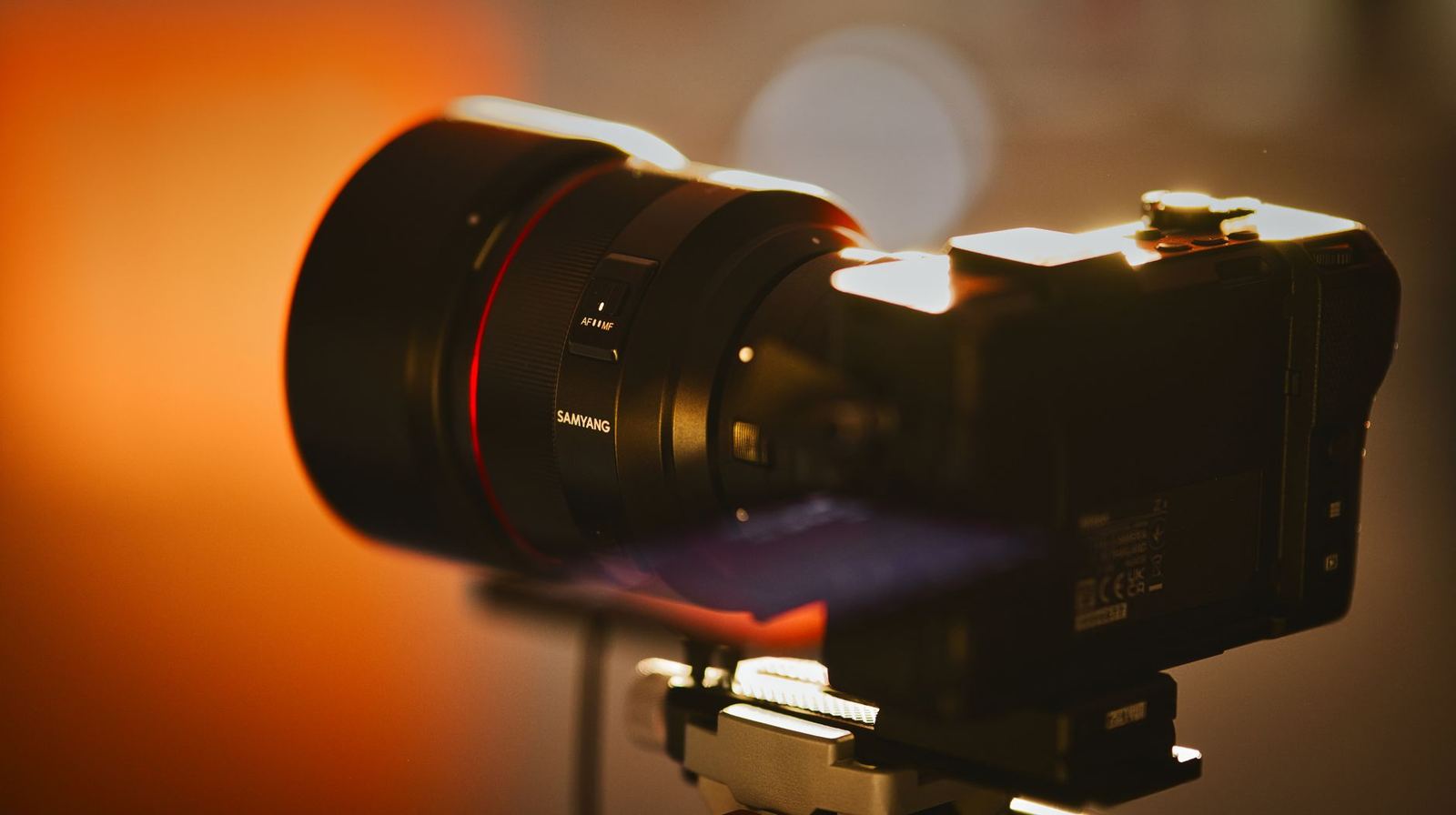
Features worth comparing
Spec sheets can be long, but a few features decide how useful a camera is in practice:
- Stabilization: horizon-locked stabilization gives smooth footage even from handheld or helmet-mounted use, says Webiano.
- Dynamic range: because the lenses see sunlit and shaded areas at once, highlight clipping and noise are common, so look for log or HDR modes (Webiano).
- Audio: ambisonics lets sound rotate with the viewer’s gaze (Webiano). Videomaker lists a six-mic array on the GoPro MAX2 and four built-in mics on the Insta360 Pro 2.
- Live capture: the Pro 2 can stream in 4K 3D while recording in 8K, per Videomaker.
- Storage: the same guide notes six MicroSD card slots on the Pro 2, so it can record at the maximum possible bitrate.
- Reframing: also called overcapture, it lets an editor choose angles after the fact and has become a major use case (Webiano).
New to all this? The guide to the best 360 camera for beginners narrows the field. If you will shoot near water, read the waterproof 360 camera guide first. Videomaker describes the GoPro MAX2 as rugged and water-resistant.
How do you choose the right camera?
Start with one question: where and how will the video be seen? Videomaker names YouTube, Vimeo and Facebook as simple and popular places to publish.
The viewing method changes the bar. A flat desktop view is more forgiving, while a headset audience calls for the best possible audio and video quality, according to Videomaker.
With that settled, work through these steps:
- Decide whether your audience will watch on a desktop display or in a headset.
- Check your workflow: Videomaker says most cameras are operated through a smartphone app but need a desktop for post-processing.
- Choose a lens layout: dual-lens for convenience, multi-lens rigs or stitched stills for detail.
- Read resolution labels against the share of the sphere a viewer actually sees.
- Plan the mounting and support before you buy.
If you plan to build panoramas from stills, the guide to a panoramic tripod head explains the supporting hardware.
Once you have a shortlist, the hub on 360 photography covers technique. If your goal is walkthroughs of places, the hub on virtual tours is the next stop.
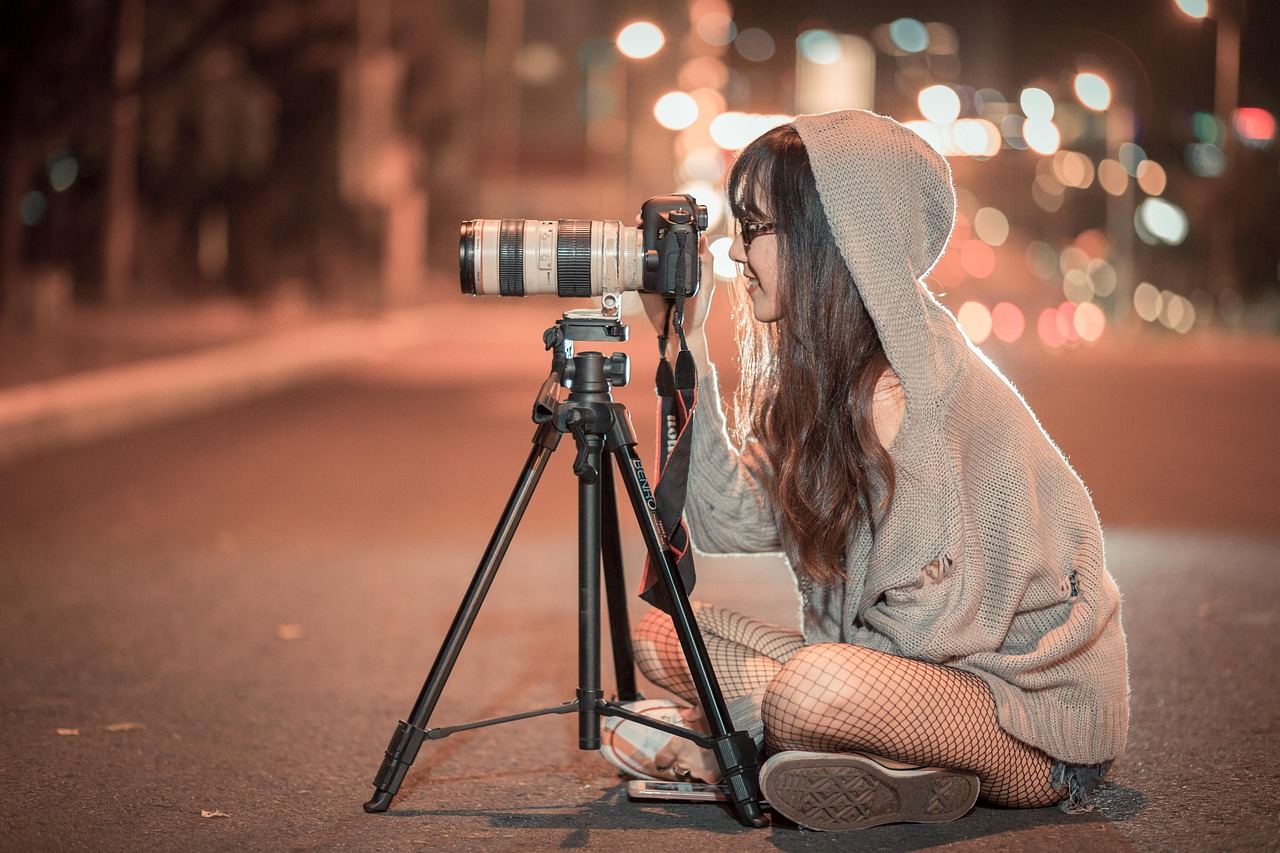
Shooting habits that avoid common problems
A few habits help you sidestep typical problems, all drawn from Webiano’s shooting notes:
- Keep subjects off the seam: subjects closer than about 1 m can break or double at the stitch line, so keep important action facing a lens rather than the side of the camera.
- Mind the height: placing the lens around eye level, about 1.5-1.7 m, feels natural in headsets.
- Hide the crew: crew, lights and microphones show up unless they are hidden or removed in post-production.
- Keep motion smooth: fast or tilted motion causes discomfort in headset viewing, so keep the horizon level.
- Protect the glass: the protruding fisheye front elements scratch easily, so use lens guards and clean them before each take.
Frequently asked questions
Are panoramic cameras and 360 cameras the same thing?
Show answer
Not always. Panoramic is the wider label: a 360 camera covers the full sphere in a single capture, while stitched stills can cover whatever angle you choose but need a subject that holds still, per Webiano.
Is a higher resolution label always better?
Show answer
Not by itself. Because the pixels are shared across the entire sphere, you only ever look at a slice of them at once, so a modest label can look softer than you expect in a headset (Webiano).
Can panoramic cameras stream live?
Show answer
Many can. Videomaker says models typically allow you to live stream to Facebook and YouTube, but confirm the details for the exact model you are considering.
How do I keep the stand out of the picture?
Show answer
Use a thin monopod or an invisible selfie stick aligned with the lens gap, so the stitching makes it disappear, as Webiano suggests.