Pick the wrong tool and you can end up with a seam or a tilted horizon. The best 360 photo editing software depends on the job: a small leveling app for orientation, a full editor for retouching.
This comparison sits within the wider topic of 360 photography.
| Item | Value |
|---|---|
| EquiEditor price on its App Store page | $7.99 |
| EquiEditor save formats | JPG, HEIF and PNG |
| EquiEditor minimum system | iOS 16.6 or later |
| Equirectangular aspect ratio, as described by that listing | 1:2 aspect ratio |
| DaVinci Resolve free version, reframed output cap | 4K |
| DaVinci Resolve Studio, workflows supported | up to 8K |
The app figures come from the EquiEditor App Store listing and the video limits from Panoee’s editing software roundup. Prices, versions and limits can change, so check the source before you rely on them.
What does editing a 360 photo involve?
A finished 360 photo is usually an equirectangular image. The EquiEditor listing describes it as a panoramic image with a 1:2 aspect ratio that shows a 360 view unfolded into a rectangular layout.
Editing therefore splits into two kinds of work: changing how the sphere is oriented, and changing the pixels themselves. Typical jobs include:
- levelling a tilted horizon;
- choosing which direction counts as the front of the view;
- fixing the alignment where the left and right edges meet;
- adjusting the zenith (top) and nadir (bottom) positions;
- hiding the tripod at the bottom of the shot;
- correcting colour and exposure.
Exposure is a separate problem from orientation, so for bracketed scenes with bright skies, read the guide to hdr 360 photography.
Light apps for levelling and orientation
EquiEditor is an iPhone and iPad app. Its App Store page shows a price of $7.99, and the app asks for iOS 16.6 or later. It controls the sphere through Pitch, Roll and Yaw sliders, with a numeric keypad as an alternative.
The listing names correcting the tilt of an image to get a level horizon as a main use. It also mentions the front-view position, edge alignment and zenith and nadir changes. Results can be saved as JPG, HEIF or PNG.
On privacy, the developer indicated that the app collects no data, although the same page notes that Apple has not verified this information.
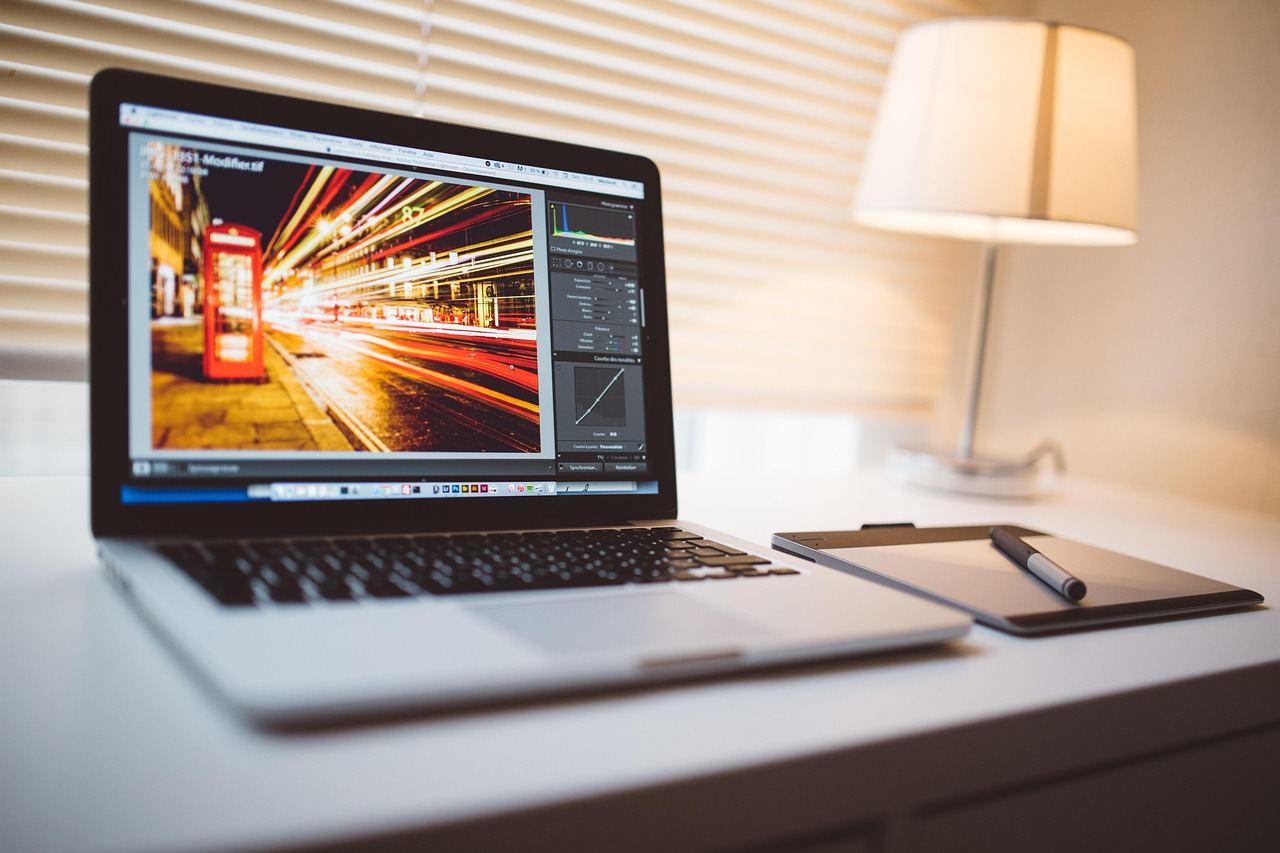
A tool like this changes orientation rather than content. It suits quick fixes on a phone, and it leaves retouching, such as removing objects, to a desktop editor.
Desktop editors for retouching and tripod caps
Photoshop gained a 360 mode when, according to a tutorial by Tony Redhead, Adobe announced Photoshop 2018 on October 18, 2017. The tutorial says earlier versions kept 360 photos but lost the scrolling view, turning the file into a rectangle.
The same tutorial explains that files are imported through the spherical panorama options in the 3D menu and exported through the same menu. It adds that cloning and healing brushes can then be used to remove objects.
The tutorial’s route to cover a tripod, which it says shows up in the nadir of most 360 images, runs as follows:
- Turn the view down to the nadir, where the tripod remains are.
- Place a logo or other graphic as a “tripod cap” and resize it to cover the remains.
- Use Merge Down so the cap stays fixed when you pan around.
- Open the flat map tab, then save with Layers unchecked.
One caution from that source: because a filter is applied to a flat image, its effect can look distorted near the zenith and nadir when the result is viewed in 360.
How editors handle the left and right seam
An equirectangular picture wraps around, so its left and right edges must meet cleanly. One photographer on a community Q&A page reported that shadow, highlight and local contrast adjustments in RawTherapee created a visible discontinuity at that boundary, even though the file had the correct 360 projection metadata.
| Editor | Reported behaviour |
|---|---|
| RawTherapee | Local-radius adjustments left a visible edge discontinuity in the asker’s report |
| Photoshop and Lightroom | An answerer reported never seeing such a seam there |
| darktable | Another answerer edited a test panorama and saw no edge seam |
| Photoshop (filters) | A tutorial warns that not all filters wrap correctly around the seam |
| GIMP | Used by the asker to extend the image from the opposite edges, a slow workaround |
These entries come from the community thread and the Photoshop tutorial. They are individual experiences rather than tests, so verify them on your own files.
A sensible habit is to apply any local effect to a copy and inspect the join before you commit to it.
Video-first editors if you also shoot 360 clips
Panoee’s October 9, 2025 roundup is aimed at footage rather than stills, but it is a useful guide if you also shoot clips. It lists these tools:
- Insta360 Studio: designed for fast trimming and reframing.
- Pinnacle Studio: Windows-only, and it lacks multi-user project sharing for teams.
- Final Cut Pro: macOS exclusive and requires a paid license.
- Adobe Premiere Pro: high system requirements and subscription pricing.
- DaVinci Resolve: the free version caps reframed output at 4K, while Studio supports up to 8K workflows, per the same roundup.
Because the roundup comes from a company that sells virtual tour software, read its rankings as one vendor’s view.
Which tool should you pick, and how do you export safely?
Match the tool to the job:
- Tilted horizon or wrong front direction: a levelling app.
- Tripod cap or object removal: a desktop editor with 360 support.
- A line at the join after local effects: try another editor on a copy.
- Clips instead of stills: a video-first editor.
Keep your untouched originals. Panoee warns that stitching and stabilization can be destructive if you overwrite files, and advises fixing stitching errors before colour grading because they become harder to correct later.
Check the result in a 360 viewer before you share it. The same source says incorrect 360 metadata can prevent playback on major platforms, and the guide to 360 photo metadata covers the file-level details.
Frequently asked questions
Can you edit a 360 photo in an ordinary photo editor?
Show answer
Yes, because the image is a flat file, but results vary by tool. Some effects behave badly where the left and right edges meet, so test on a copy first.
What are the zenith and nadir?
Show answer
They are the points straight above and straight below the camera. In the EquiEditor listing, adjusting them is described as top and bottom position changes.
Why does my edited panorama show a line at the edge?
Show answer
The software may treat the picture’s borders as hard edges instead of neighbours. A community answer suggested switching the affected step to a different editor.
Why won’t my edited image open as a 360 view?
Show answer
Missing or wrong tags are a likely cause. Panoee notes that incorrect metadata can stop playback on major platforms, so check the tags after you export.
Do 360 editing tools cost a lot?
Show answer
Prices range widely, from one-off mobile app purchases to subscription suites and paid licenses. Read each store listing before you buy, since terms change.